
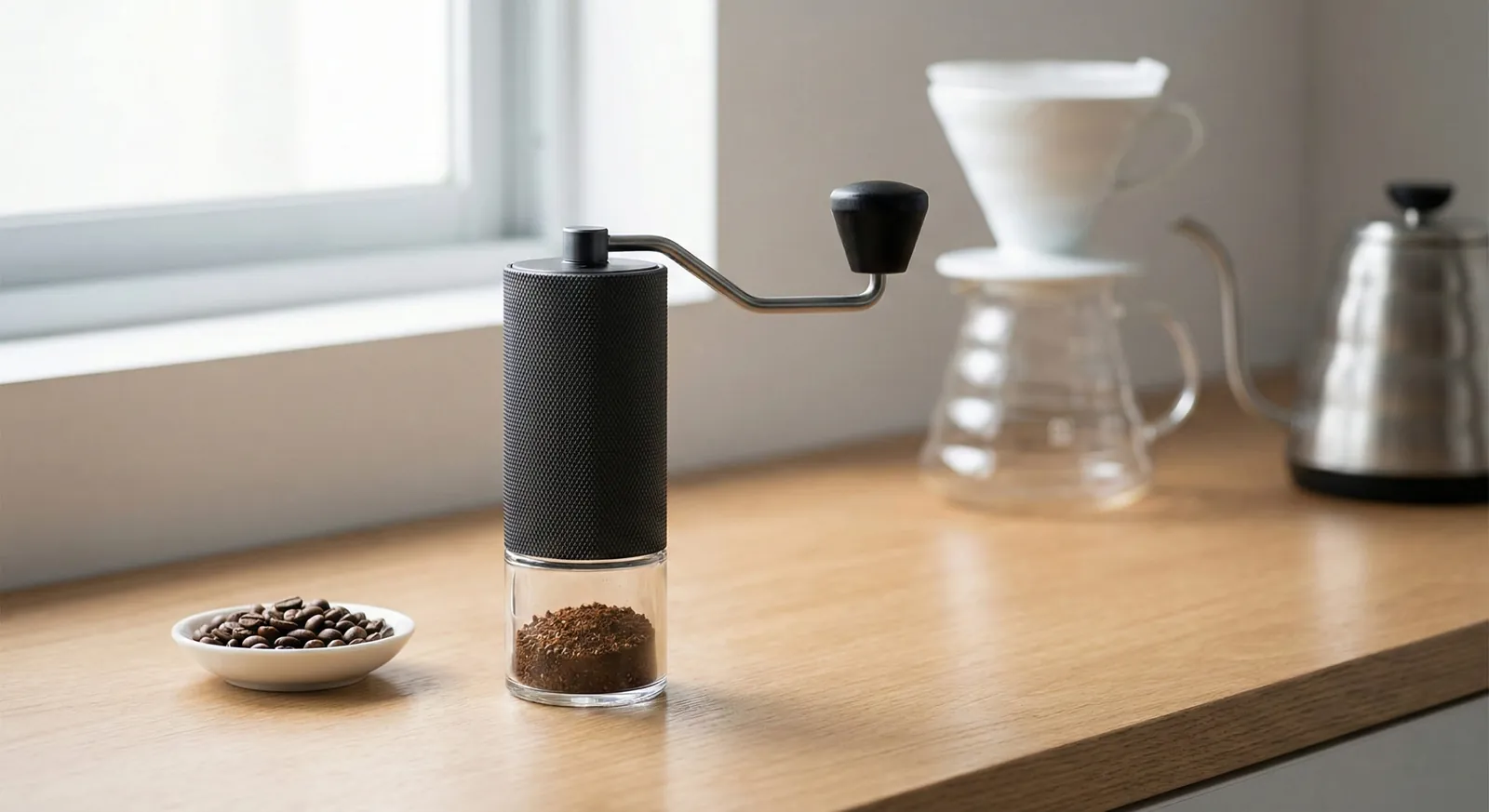
The grinder this chart is for
Timemore Chestnut C3
A budget hand grinder whose internal click dial suits pour-over and French press best; the chart above shows where espresso gets marginal.
Updated
Starting Timemore Chestnut C3 click settings for moka pot, AeroPress, pour-over, French press and cold brew, how the C2 compares, and how to zero the grinder.
Pour-over: start at 16 clicks. AeroPress: 12. French press: 22. Cold brew: 24. Moka pot: 10. For espresso, the C3 ESP or a dedicated espresso grinder is the better tool. Full review: Timemore Chestnut C3.
Starting ranges in clicks from zero; lower is finer.
| Brew method | Clicks from zero | Start at |
|---|---|---|
| Espresso (pressurized basket only) | 6–8 | 7 |
| Moka pot | 8–11 | 10 |
| AeroPress | 10–14 | 12 |
| Pour-over (V60) | 14–18 | 16 |
| Chemex | 17–20 | 18 |
| Drip coffee maker | 16–20 | 18 |
| French press | 20–24 | 22 |
| Cold brew | 22–26 | 24 |
Espresso (pressurized basket only)
Moka pot
AeroPress
Pour-over (V60)
Chemex
Drip coffee maker
French press
Cold brew
Treat these as starting points; beans, roast and brewer move the right number. Our coffee grind size chart explains how grind size changes extraction, and the coffee grind size calculator gives a quick starting point for any brewer.
The grinder this chart is for
A budget hand grinder whose internal click dial suits pour-over and French press best; the chart above shows where espresso gets marginal.
Affiliate links: we may earn a commission at no extra cost to you.
Large steps, built for filter coffee.
The C3 adjusts with a stepped knob under the burr. You remove the catch cup, turn the knob and count clicks from zero. Each click is a fairly large step, around 80 microns, so one click is a noticeable change in the cup.
Large steps make filter brewing simple: you rarely need more than one click to fix a cup. For espresso, though, they're far too coarse to control shot time, which is why Timemore makes the C3 ESP with much finer steps.
The practical result is a short, easy-to-learn scale. Most owners only use a handful of settings: one around 10–12 for AeroPress or moka pot, one around 16 for pour-over and one around 22 for French press or cold brew. Learning those three and adjusting by a single click as beans change covers almost every filter brewer you'll use at home.
Count from the burrs touching.
Empty the grinder and remove the catch cup.
Turn the adjustment knob finer until the burrs just touch and the handle stops turning freely. Don't force it.
That point is zero.
Turn coarser and count clicks to your setting.
Zero can shift slightly after cleaning or reassembly, so re-check it if a familiar setting suddenly tastes different.
Close, but not identical.
The C2 uses a similar click scale and a 38mm steel burr, so C3 settings are a sensible starting point on a C2. The C3's burr geometry differs, though, so expect the right setting for the same brew to sit a click or so apart. Start with the chart above and adjust by taste.
| Brew method | C2 starting clicks |
|---|---|
| AeroPress | 12 |
| Pour-over (V60) | 16 |
| French press | 22 |
| Cold brew | 24 |
Like the C3, the C2 isn't built for espresso with standard baskets.
A five-step pour-over routine that lands a balanced cup in two or three brews.
Weigh your dose, for example 15g for a 250g cup.
Start at 16 clicks for a V60.
Brew and time it; aim for roughly 2:30–3:30 for a single cup.
Sour or fast: one click finer. Bitter or slow: one click coarser.
Keep the setting once the cup tastes balanced.
Our coffee ratio calculator keeps the dose steady while you adjust. If you also want espresso, see our espresso dial-in guide and pressurized vs non-pressurized baskets for what a pressurized basket can and can't hide.
Quick decision guide
One click feels like too big a change
adjust brew variables like water temperature or ratio for fine-tuning instead.
You want real espresso
look at the C3 ESP or one of our best espresso grinders under $300.
Quick changes with a small click count.
With only around 25 useful clicks between fine and coarse, switching on the C3 is quick: remove the catch cup, turn the knob and grind. It holds very little coffee inside, so there's no need to purge between methods. A setting of, say, 16 for pour-over and 22 for French press is easy to remember.
If you switch often, count from zero each time; it avoids slowly drifting a click off over weeks of use.
Problems that look like a faulty grinder but usually aren't.
| Mistake | What happens | Fix |
|---|---|---|
| Counting from the wrong zero | Shared settings grind too fine or coarse | Find true zero first |
| Big jumps for fine brews | Cups swing from sour to bitter | Move one or two clicks at a time |
| Changing dose and grind together | You can't tell which change helped | Change one variable at a time |
| Never re-zeroing after cleaning | Settings drift by a click | Re-check zero after reassembly |
| Grinding old beans | Brews run fast whatever the setting | Use beans within a few weeks of roast |
Counting from the wrong zero
Big jumps for fine brews
Changing dose and grind together
Never re-zeroing after cleaning
Grinding old beans
Each C3 click is a fairly big step (about 80 microns), so one click is usually enough to fix a cup. Note the click count that works for each bag.
Brewer shape, batch size and water each move the right click count.
| Brewer | Starting clicks | Notes |
|---|---|---|
| Hario V60 | 16 | Finer for single cups |
| Kalita Wave / flat-bottom drippers | 17 | Flat beds drain evenly |
| Chemex | 18 | Thick filters slow the flow |
| AeroPress | 12 | Coarser for long steeps |
| French press | 22 | Coarser if the cup is silty |
| Moka pot | 10 | Don't tamp the basket |
Hario V60
Kalita Wave / flat-bottom drippers
Chemex
AeroPress
French press
Moka pot
With the C3's roughly 80-micron steps, a single click is a real change: go one click coarser for a large batch, and if you're stuck between two settings, nudge the ratio or water temperature instead.
Signs you've outgrown it.
The C3 is a capable filter grinder. You've likely outgrown it if you want real espresso with standard baskets, if you often find yourself between two clicks with neither tasting right, or if you grind large batches daily and the hand effort becomes a chore.
For finer steps in a hand grinder, the KINGrinder K6 and 1Zpresso K-Ultra both adjust in much smaller increments. For daily large batches, an electric grinder saves time; our manual vs electric grinders guide covers the trade-offs.
Simple upkeep for repeatable settings.
Want the full picture on build and value first? Read our Timemore C3 review. Comparing hand grinders more widely? See our manual vs electric grinders guide and the guide to choosing a burr grinder.
Quick answers before you buy.
Start at 16 clicks from zero and adjust one click at a time by taste and drain time.
Start at 22 clicks and stay within roughly 20–24.
Only for pressurized baskets, around 6–8 clicks.
The steps are too large for standard espresso baskets; the C3 ESP is designed for that.
Start at 12 clicks, finer for short brews and coarser for long steeps.
Start around 24 clicks; very coarse grounds make filtering easier.
That usually points to uneven extraction rather than the wrong setting.
Check that the bed is level, pour more evenly and make sure the filter is rinsed and seated before changing the grind.
Keep reading: more guides on the same topic.
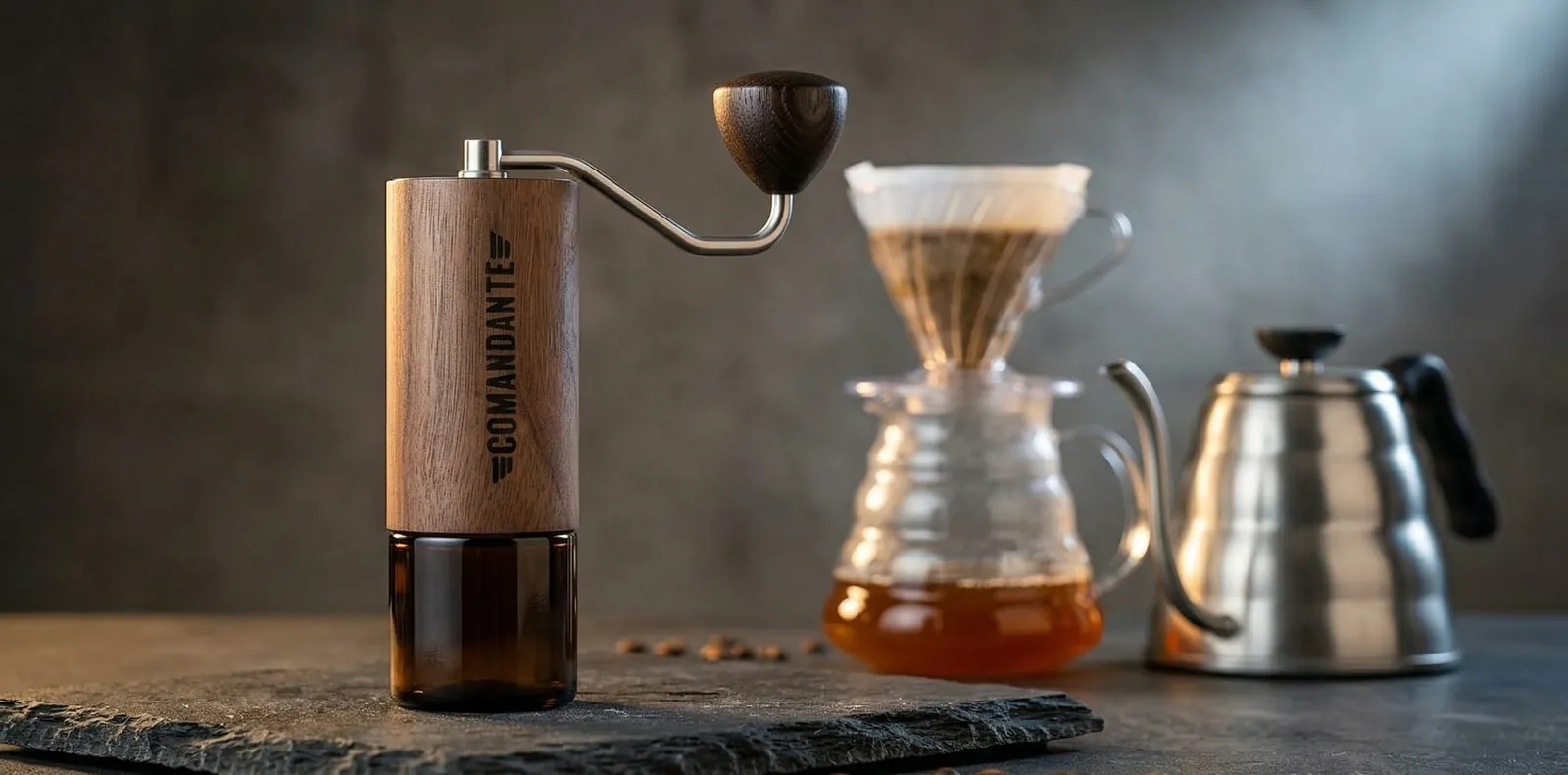 Explained
Grinder5 min read
Comandante C40 click settings for every brew method, with the Red Clix difference explained and a dial-in routine for espresso.
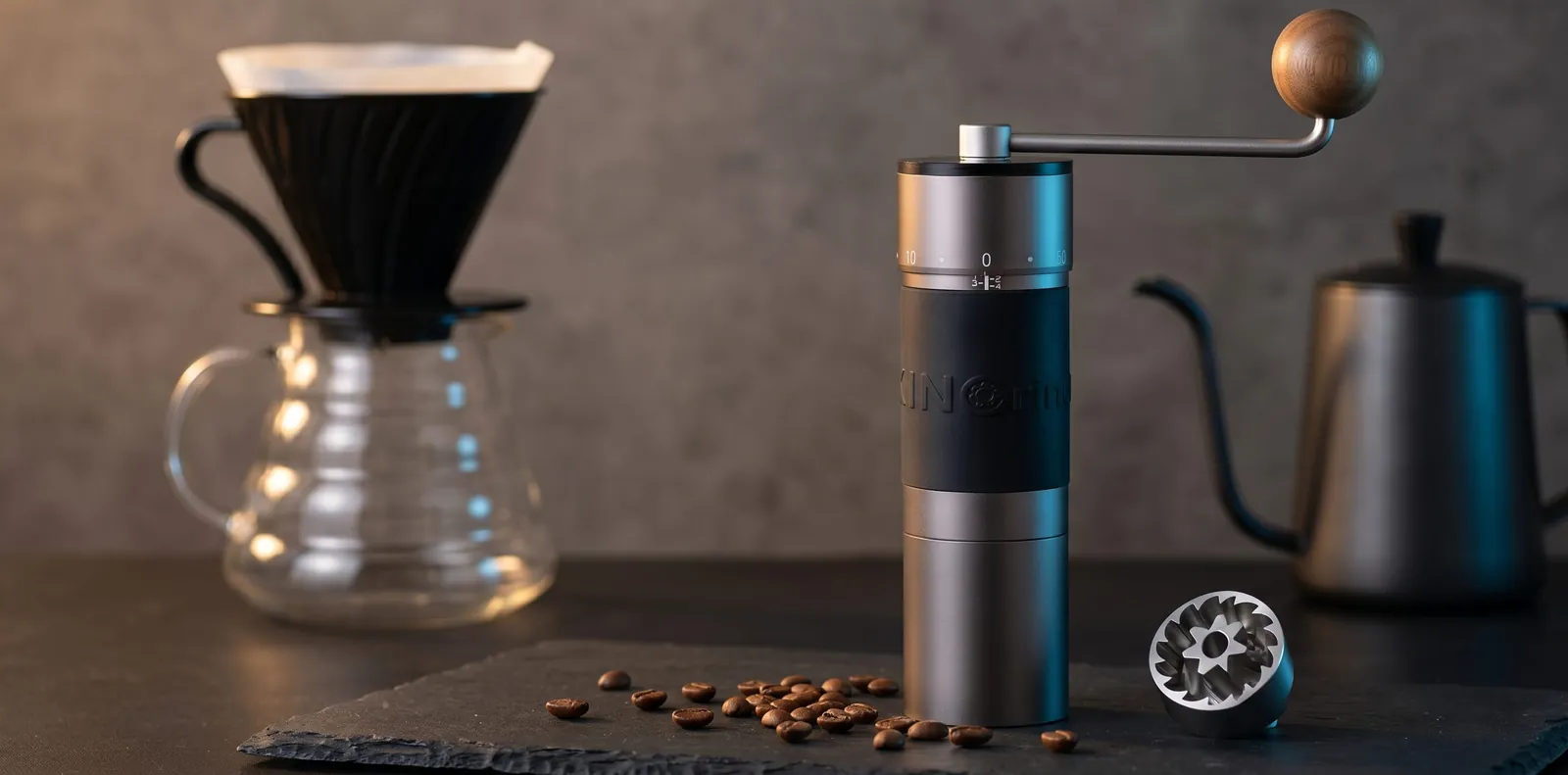 Explained
Grinder5 min read
KINGrinder K6 click settings for espresso, moka pot, pour-over, AeroPress and French press, with notes on where to start adjusting.
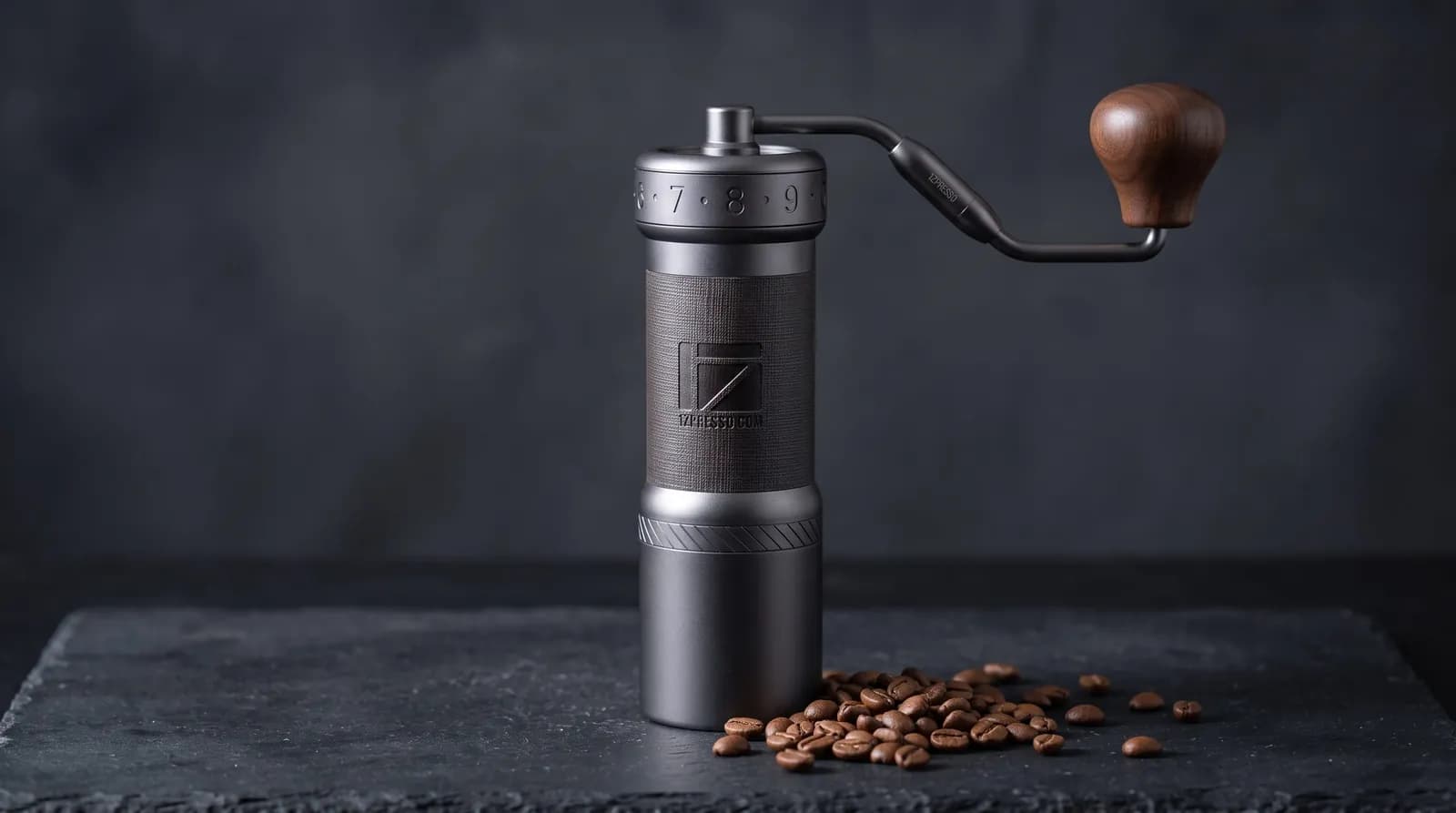 Explained
Grinder6 min read
Click-by-click 1Zpresso K-Ultra settings for espresso, moka pot, pour-over, AeroPress and French press, with how to adjust from there.
Reader questions
Questions or tips? Leave a comment
Ask about your setup or share what worked for you. Comments are checked before they appear.
Write a comment or question