
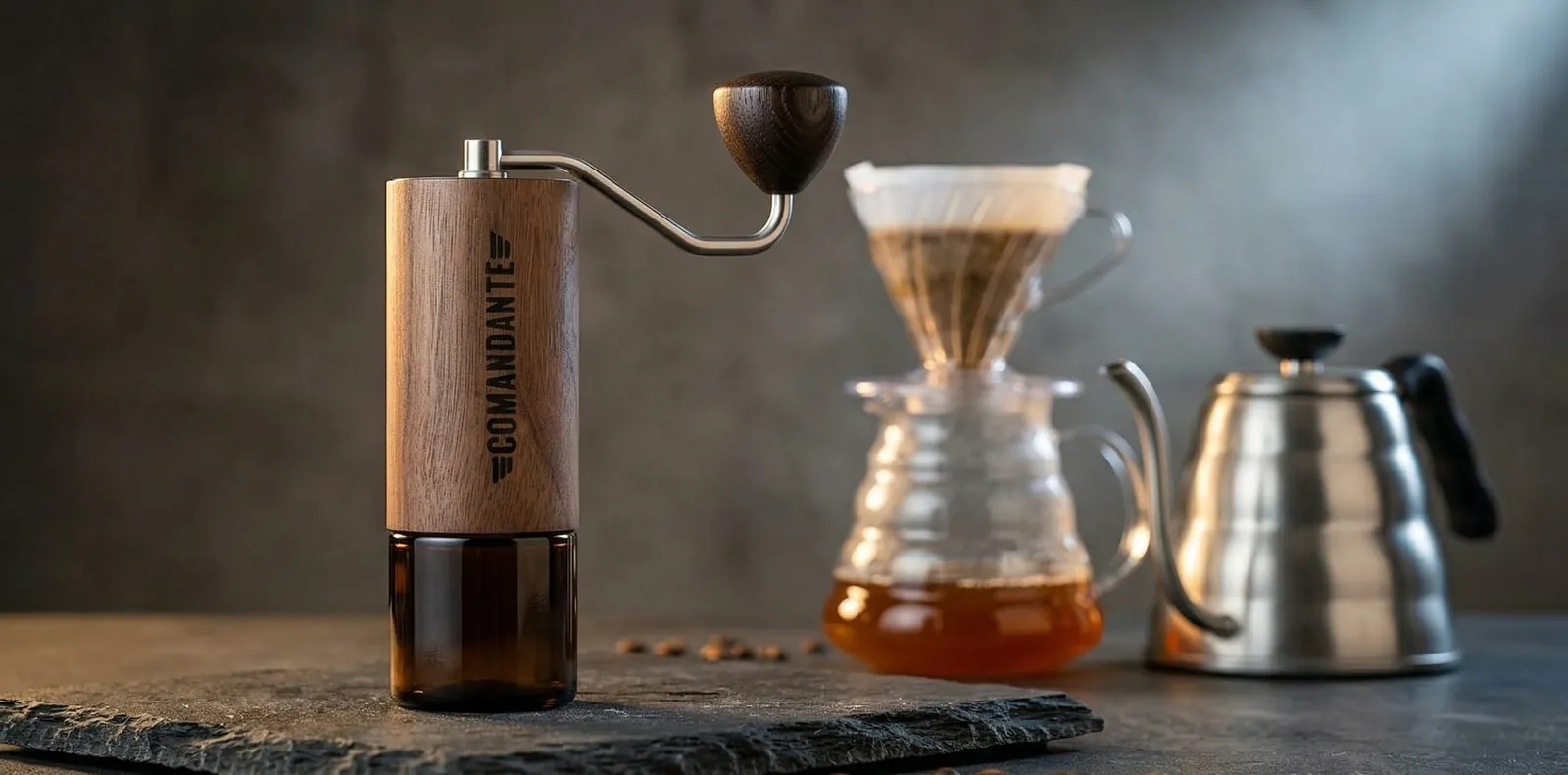
The grinder this chart is for
Comandante C40 MK4
Nitro Blade burrs and a stepped click dial give the repeatable steps every setting above depends on.
Updated
Starting Comandante C40 click settings for espresso, moka pot, AeroPress, pour-over and French press, how to find zero, and what Red Clix changes.
Pour-over: start at 24 clicks. AeroPress: 18. French press: 30. Espresso: 10. Count from true zero on the standard axle; Red Clix roughly doubles the counts. Full review: Comandante C40.
Starting ranges in clicks from zero on the standard axle; lower is finer.
| Brew method | Clicks from zero | Start at |
|---|---|---|
| Turkish | 4–7 | 5 |
| Espresso | 7–13 | 10 |
| Moka pot | 13–17 | 15 |
| AeroPress | 15–22 | 18 |
| Pour-over (V60) | 20–28 | 24 |
| Chemex | 25–30 | 27 |
| French press | 28–35 | 30 |
| Cold brew | 30–36 | 33 |
Turkish
Espresso
Moka pot
AeroPress
Pour-over (V60)
Chemex
French press
Cold brew
These are starting points; beans, roast and brewer each move the right number. Our coffee grind size chart explains how grind size changes extraction, and the coffee grind size calculator gives a quick starting point for any brewer.
The grinder this chart is for
Nitro Blade burrs and a stepped click dial give the repeatable steps every setting above depends on.
Affiliate links: we may earn a commission at no extra cost to you.
Under-burr clicks and why each one matters.
The C40 adjusts with an unnumbered click wheel under the burr, at the bottom of the grinder. You remove the catch jar, turn the wheel, and count clicks from zero. Each standard click is roughly 30 microns, a fairly large step by hand-grinder standards.
That step size is ideal for filter coffee, where one or two clicks is a meaningful but not dramatic change. For espresso it's coarse: a single click can move a shot several seconds. That's why many espresso users fit the Red Clix axle.
Write your regular settings down, along with which axle you use, so recipes stay repeatable if you ever add Red Clix.
Close the burrs until the handle stops dropping, then count every click from there.
Empty the grinder and fit the handle.
Hold the handle horizontally at nine o'clock.
Close the adjustment gently, click by click, until the handle no longer falls on its own toward six o'clock.
That setting is zero. Open the adjustment and count clicks to your recipe.
Never force the burrs together. Zero can shift slightly after cleaning, so re-check it if familiar settings suddenly taste different.
The optional axle halves each step, so every click count roughly doubles.
Red Clix is an optional replacement axle that roughly halves the size of each click. That gives finer control for espresso, but it means every click count roughly doubles: a standard 24-click pour-over becomes around 48 on Red Clix.
Shared settings online don't always say which axle they use. If a recipe looks wildly fine or coarse, check whether it was written for Red Clix before changing anything else.
| Brew method | Standard axle (clicks) | Red Clix (approx. clicks) |
|---|---|---|
| Espresso | 10 | 20 |
| AeroPress | 18 | 36 |
| Pour-over (V60) | 24 | 48 |
| French press | 30 | 60 |
Espresso
AeroPress
Pour-over (V60)
French press
Start at 24 clicks, brew by weight, then move one click at a time by taste and drain time.
Weigh your dose, for example 15g for a 250g cup.
Start at 24 clicks for a V60.
Brew and time it; aim for roughly 2:30–3:30 for a single cup.
Sour or fast: go 1–2 clicks finer. Bitter or slow: go 1–2 clicks coarser.
Keep the setting once the cup tastes balanced.
Keep the dose steady with our coffee ratio calculator. For espresso, start at 10 clicks and follow our espresso dial-in guide; if shots won't sweeten, see sour espresso fixes. Pressurized baskets want a slightly coarser grind; see pressurized vs non-pressurized baskets.
Quick decision guide
One click jumps your espresso too far
consider the Red Clix axle for finer espresso steps.
Your French press is muddy
go 2–3 clicks coarser and pour gently.
Count from zero each time rather than from your last setting.
Remove the catch jar, turn the wheel to your new click count and grind. Because the C40 holds very little coffee inside, there's no need to purge between methods. Counting from zero each time avoids drift, but with practice you can count up or down from your last setting.
Write your regular settings down. It turns a switch into a few seconds of counting rather than a fresh dial-in.
Problems that look like a faulty grinder but usually aren't.
| Mistake | What happens | Fix |
|---|---|---|
| Counting from the wrong zero | Shared settings grind too fine or coarse | Find true zero first |
| Big jumps for fine brews | Cups swing from sour to bitter | Move one or two clicks at a time |
| Changing dose and grind together | You can't tell which change helped | Change one variable at a time |
| Never re-zeroing after cleaning | Settings drift by a click | Re-check zero after reassembly |
| Grinding old beans | Brews run fast whatever the setting | Use beans within a few weeks of roast |
Counting from the wrong zero
Big jumps for fine brews
Changing dose and grind together
Never re-zeroing after cleaning
Grinding old beans
On the C40, most sudden changes trace back to zero: if a familiar recipe tastes different, re-find true zero before moving the wheel.
Starting points for common filter brewers and espresso machines, standard axle.
| Brewer | Starting clicks | Notes |
|---|---|---|
| Hario V60 | 24 | Finer for single cups, coarser for big batches |
| Kalita Wave / flat-bottom drippers | 25 | Flat beds drain evenly, so small moves matter |
| Chemex | 27 | Thick filters slow the flow |
| AeroPress | 18 | Coarser for long steeps |
| French press | 30 | Coarser if the cup is silty |
| 58mm espresso machine | 10 | Red Clix makes fine-tuning easier |
Hario V60
Kalita Wave / flat-bottom drippers
Chemex
AeroPress
French press
58mm espresso machine
Batch size changes the right setting. A large pour-over or a full Chemex keeps water in the grounds longer than a single cup, so it extracts more; one or two clicks coarser usually balances it. For a single small cup, go a click finer.
Water matters too. Very soft or very hard water shifts extraction enough that the same click count tastes different in another kitchen, which is one more reason to treat shared settings as starting points.
Espresso-fine grinding takes noticeably longer than filter settings; here is the realistic range.
Filter settings are quick and smooth: a 15–20g pour-over dose takes well under a minute of steady turning. Espresso settings take noticeably longer and need more effort, because the burrs are closer together and each turn moves less coffee.
If you grind espresso every day, that effort is the trade-off of a hand grinder. Our manual vs electric grinders guide explains when an electric grinder is worth the extra cost for daily espresso, and our top-rated coffee grinders guide compares reviewed electric and manual picks.
Brush the burrs and check the axle so the same click gives the same grind.
Still deciding whether the C40 is worth its price? Our Comandante C40 review weighs it against cheaper hand grinders. Comparing more broadly? See our manual vs electric grinders guide and the guide to choosing a burr grinder.
Quick answers before you buy.
Start around 10 clicks on the standard axle.
If one click changes the shot too much, the Red Clix axle gives finer steps.
Start at 30 clicks and stay within roughly 28–35.
For the ratio and steep time, see how to use a French press.
No. Red Clix roughly halves each step, so click counts roughly double.
Start around 18 clicks, going finer for short brews and coarser for long steeps.
No. Click size and burrs differ between grinders, so counts don't transfer.
Settings are similar, but burr and axle differences mean you should treat older recipes as rough starting points.
Keep reading: more guides on the same topic.
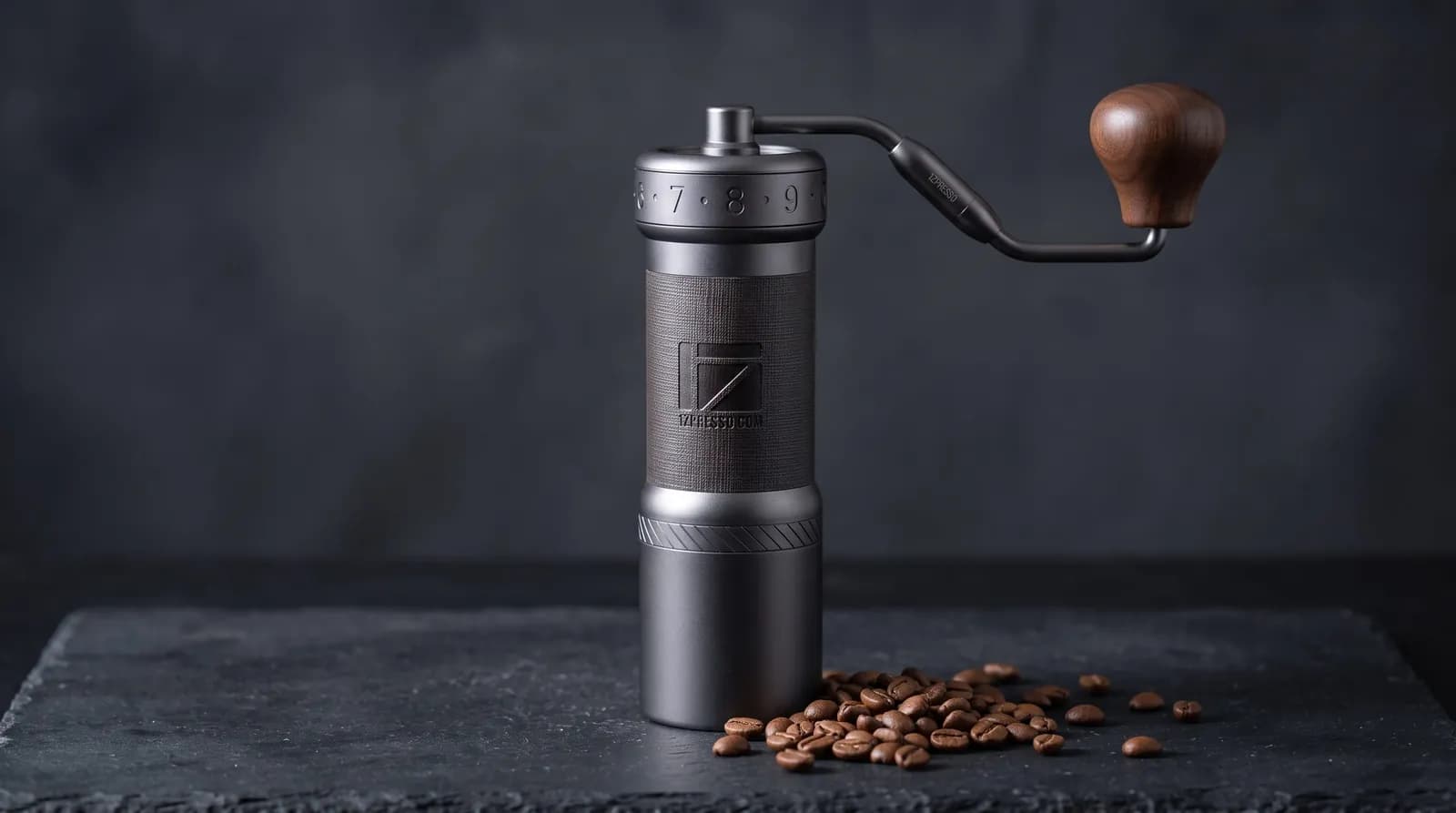 Explained
Grinder6 min read
Click-by-click 1Zpresso K-Ultra settings for espresso, moka pot, pour-over, AeroPress and French press, with how to adjust from there.
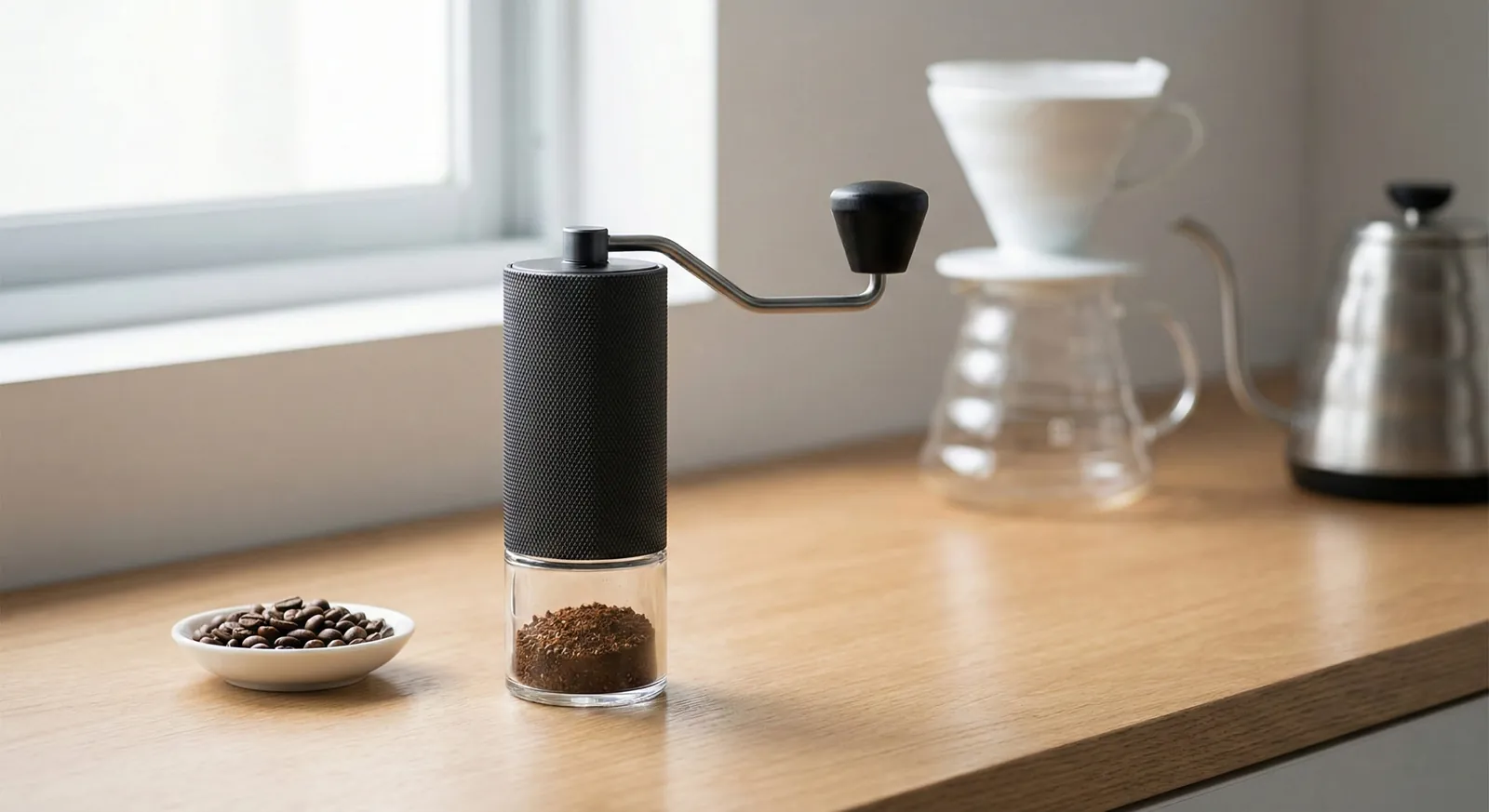 Explained
Grinder5 min read
Timemore Chestnut C3 click settings for pour-over, AeroPress, French press and moka pot, plus what it can and can't do for espresso.
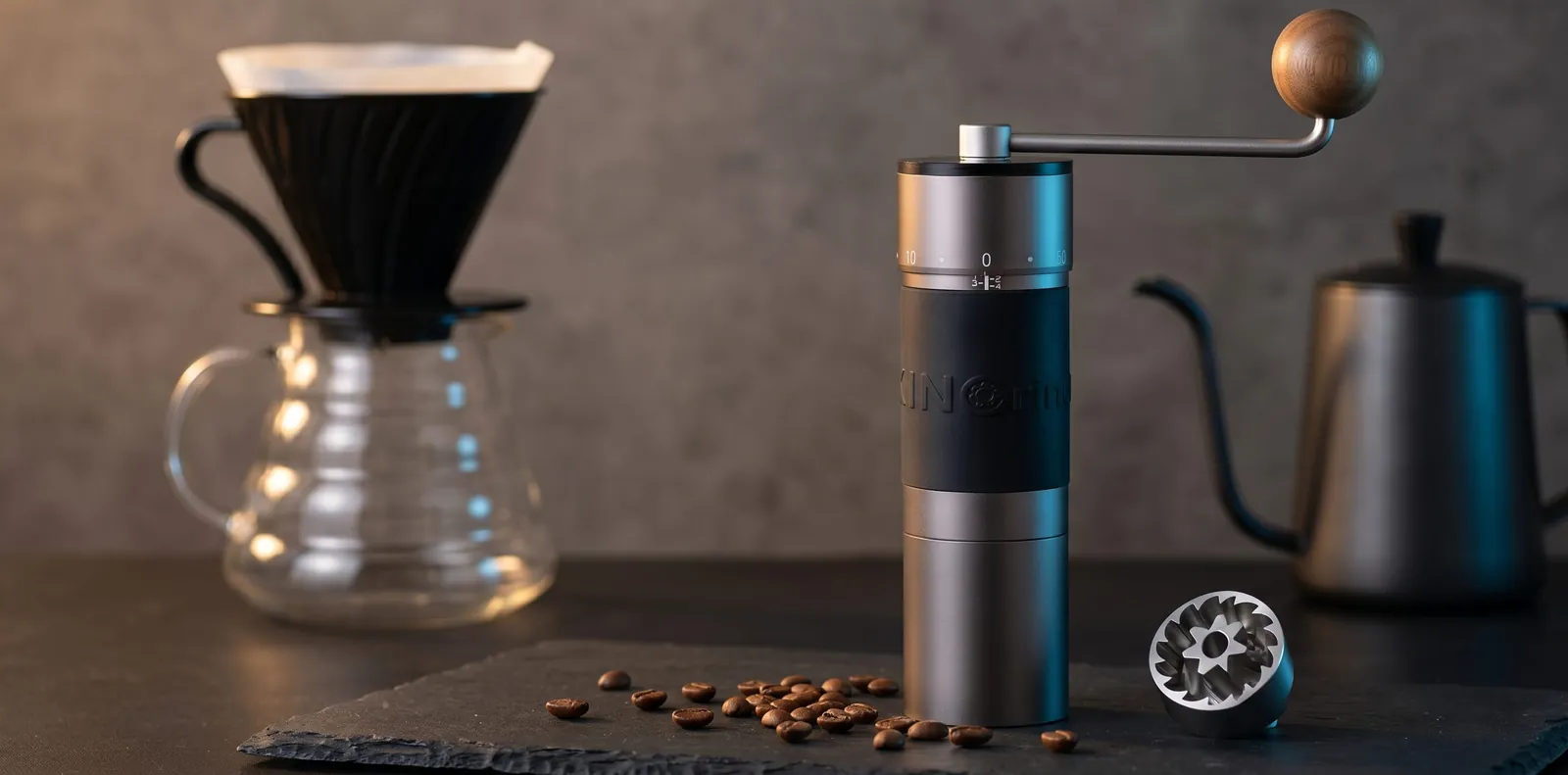 Explained
Grinder5 min read
KINGrinder K6 click settings for espresso, moka pot, pour-over, AeroPress and French press, with notes on where to start adjusting.
Reader questions
Questions or tips? Leave a comment
Ask about your setup or share what worked for you. Comments are checked before they appear.
Write a comment or question