
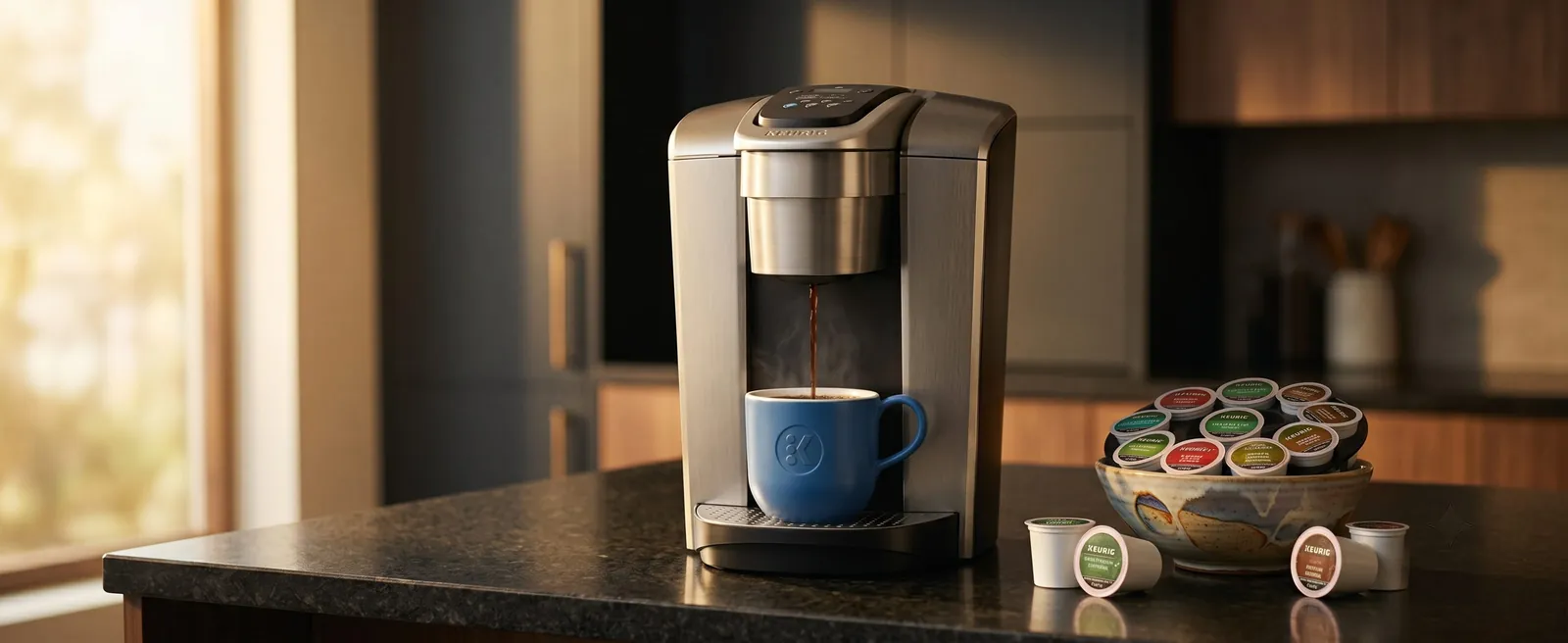
Keurig
Keurig K-Elite Single Serve K-Cup Pod Coffee Maker Review
A capable single-serve pod machine with five brew sizes and a dedicated iced-coffee mode, though pod extraction has limits.
Updated
A Wi-Fi-connected single-serve machine built for busy, multi-person households wanting app-scheduled brews over extraction precision.
Typical price
$159–$229
Approximate; varies by seller
Affiliate disclosure: we may earn a commission from Amazon links here, at no cost to you.this page contains Amazon affiliate links. We may earn a commission if you buy through them, at no extra cost to you, and it never affects our rankings. DetailsRead our full affiliate disclosure
Keurig K-Supreme Plus SMART at a GlanceRecommended
A reliable convenience machine for app-scheduled pods; it won't improve your coffee, so choose it for automation.
Wi-Fi Enabled Single-Serve Pod Coffee Maker
Why it stands out
Watch out for
✓ Best for
Busy households with rotating drink preferences and multiple people wanting different sizes
✕ Skip if
Buyers who care about extraction science or brew consistency
This review of the Keurig K-Supreme Plus SMART, Keurig's Wi-Fi brewer, finds it automates everything it promises, with Wi-Fi scheduling that has coffee started before you're up, yet no amount of Wi-Fi changes the short K-Cup brew time that limits the cup.
The short answer: it is a strong pick for a busy household that wants fast, app-scheduled pod brewing, but it will not improve your coffee, and the OXO Brew 9-Cup is the stronger choice if cup quality is the goal.
Check where you fit before you look at the trade-offs below.
A strong match
Consider something else
What earns the rating, and what you give up to get it.
9 reasons it works
10 trade-offs to weigh
Feature, what it means, who benefits, and the trade-off
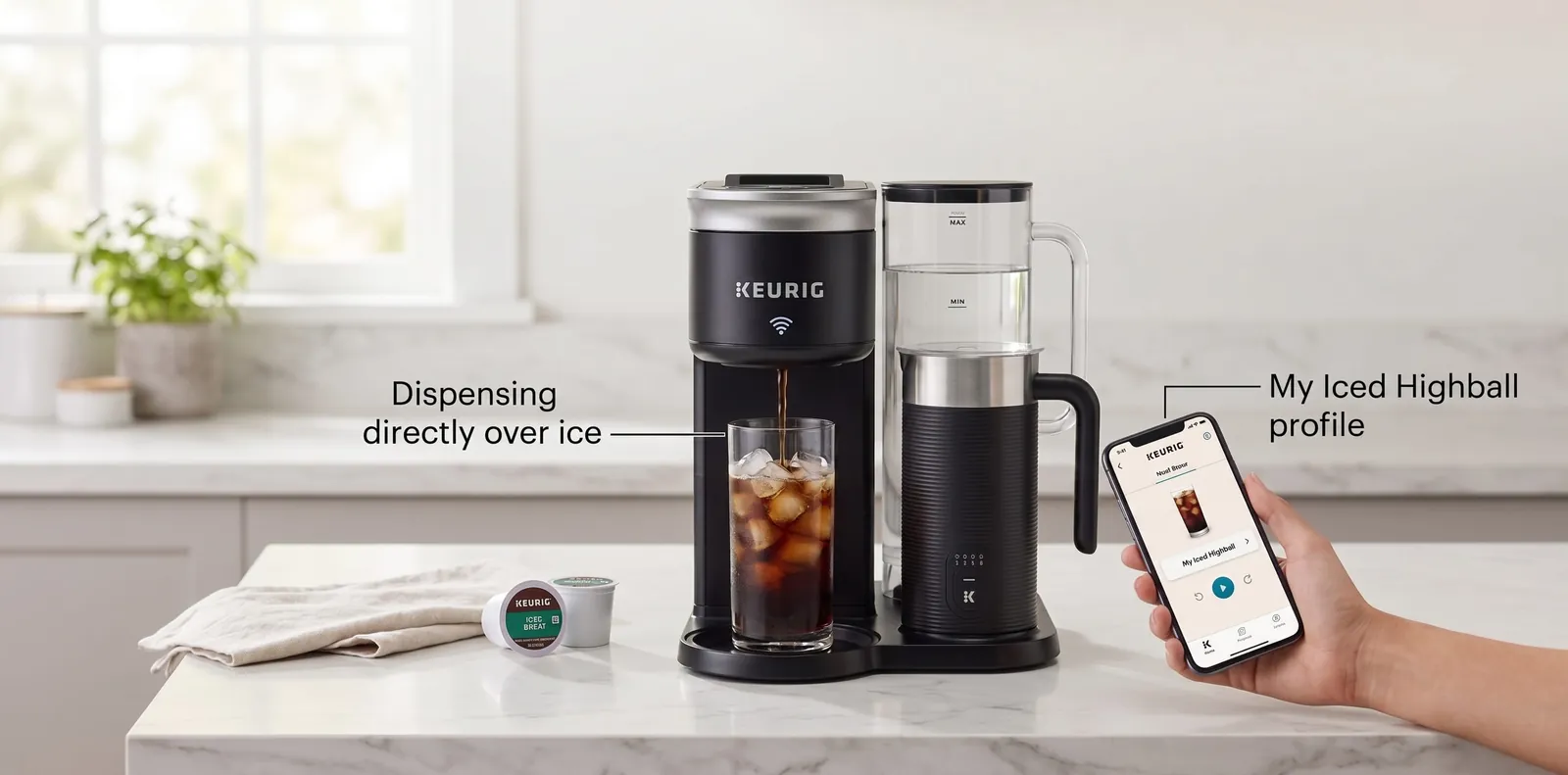
Wi-Fi sets when to brew, but the pod hardware still decides how it tastes.
The hardware matches other Keurig machines: heat water, puncture the pod and push water through the grounds. What the K-Supreme Plus SMART adds is a Wi-Fi connection, BrewID pod recognition and a companion app, so you can start a brew from your phone or schedule one in advance. The pod must be loaded in advance and the reservoir kept filled, because automation does not handle those steps.
Iced mode brews a stronger, smaller cup so ice does not water it down. Brew temperature and strength settings change the flow and contact slightly, but a K-Cup brew still runs for well under a minute, which caps extraction. That is why a drip brewer can extract more from the same dose.
The benefit is convenience: waking up to a ready cup, or starting a brew from another room. The limitation is that connected features cannot improve a brew that happens in seconds. See espresso versus coffee for how brew method affects strength.
Connectivity, descaling and pod costs are the realistic ownership issues.
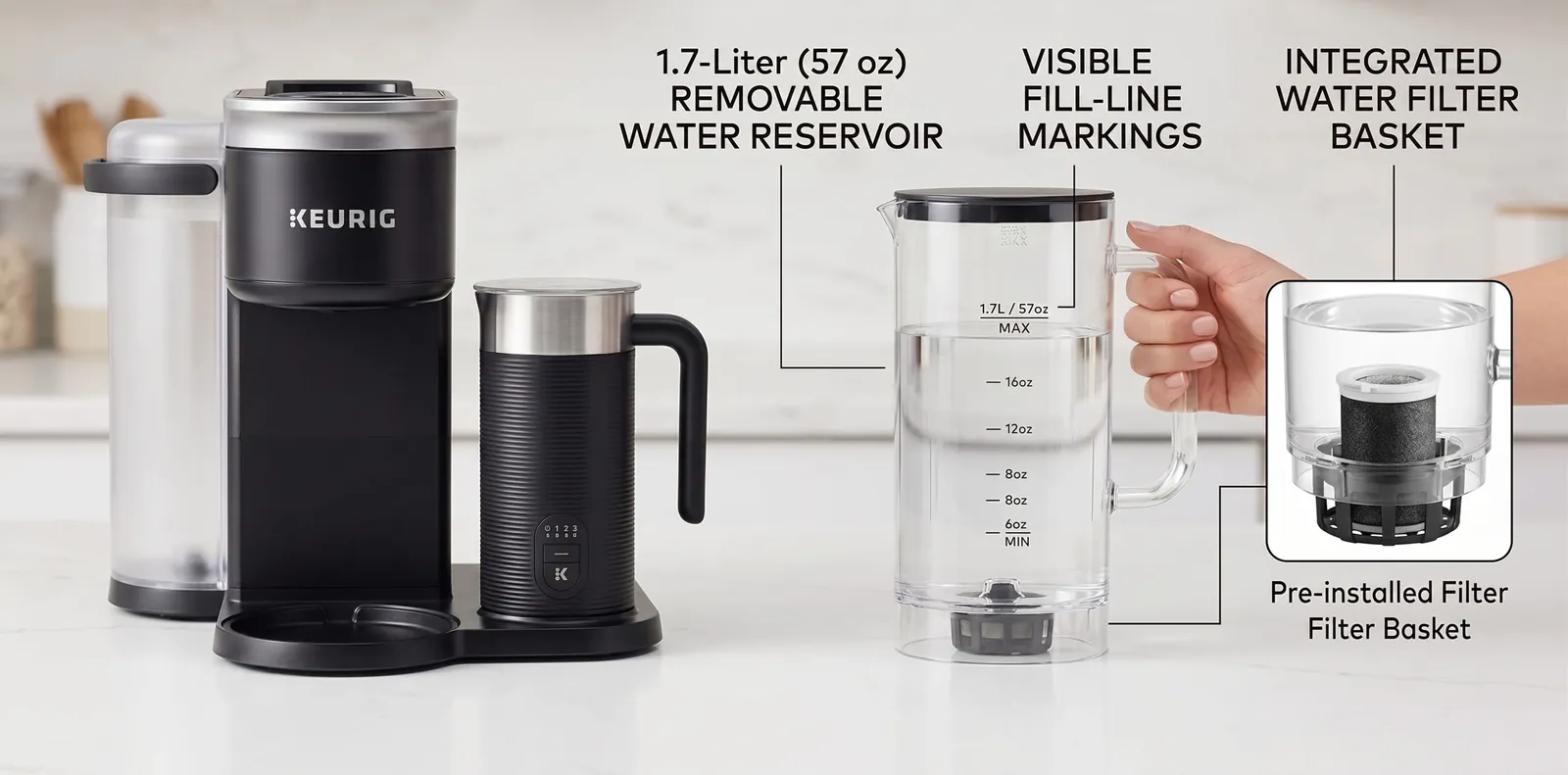
Where the Wi-Fi premium makes sense, and when a simpler pod or drip machine wins
Versus other Keurig models. For the full ranking, see our best single-serve coffee makers. The K-Elite, K-Express and K-Mini Mate Plus all use the same pod format. The Smart Brewer is the one to buy only if app scheduling matters; otherwise a simpler model gives you pods for less.
| Product | Type | Capacity | Key feature | Current price |
|---|---|---|---|---|
| Keurig K-Supreme Plus SMART | Single-serve pod | 78 oz reservoir | App scheduling, BrewID, 6 temperatures | Check price on Amazon |
| Keurig K-Elite | Single-serve pod | 75 oz reservoir | Strong brew and iced coffee modes | Check price on Amazon |
| Keurig K-Express | Single-serve pod | 42 oz reservoir | 30-second heat-up; 5" wide | Check price on Amazon |
| Keurig K-Mini Mate Plus | Single-serve pod | 50 oz reservoir | Slim; 8, 10 and 12 oz sizes | Check price on Amazon |
| OXO Brew 9-Cup | Drip (thermal carafe) | 9 cups | SCA-certified 197–204°F; automatic bloom | Check price on Amazon |
For more drip choices, see the top programmable coffee makers.
Before you decide
Single-serve pod machines extract in under a minute. Drip takes several minutes. Pour-over takes 2-3 minutes. That extraction time difference is physics: longer water contact means more dissolved solids, more complex flavors and a better cup.
The Smart Brewer is optimized for speed and convenience, not extraction. Understand that trade-off going in.
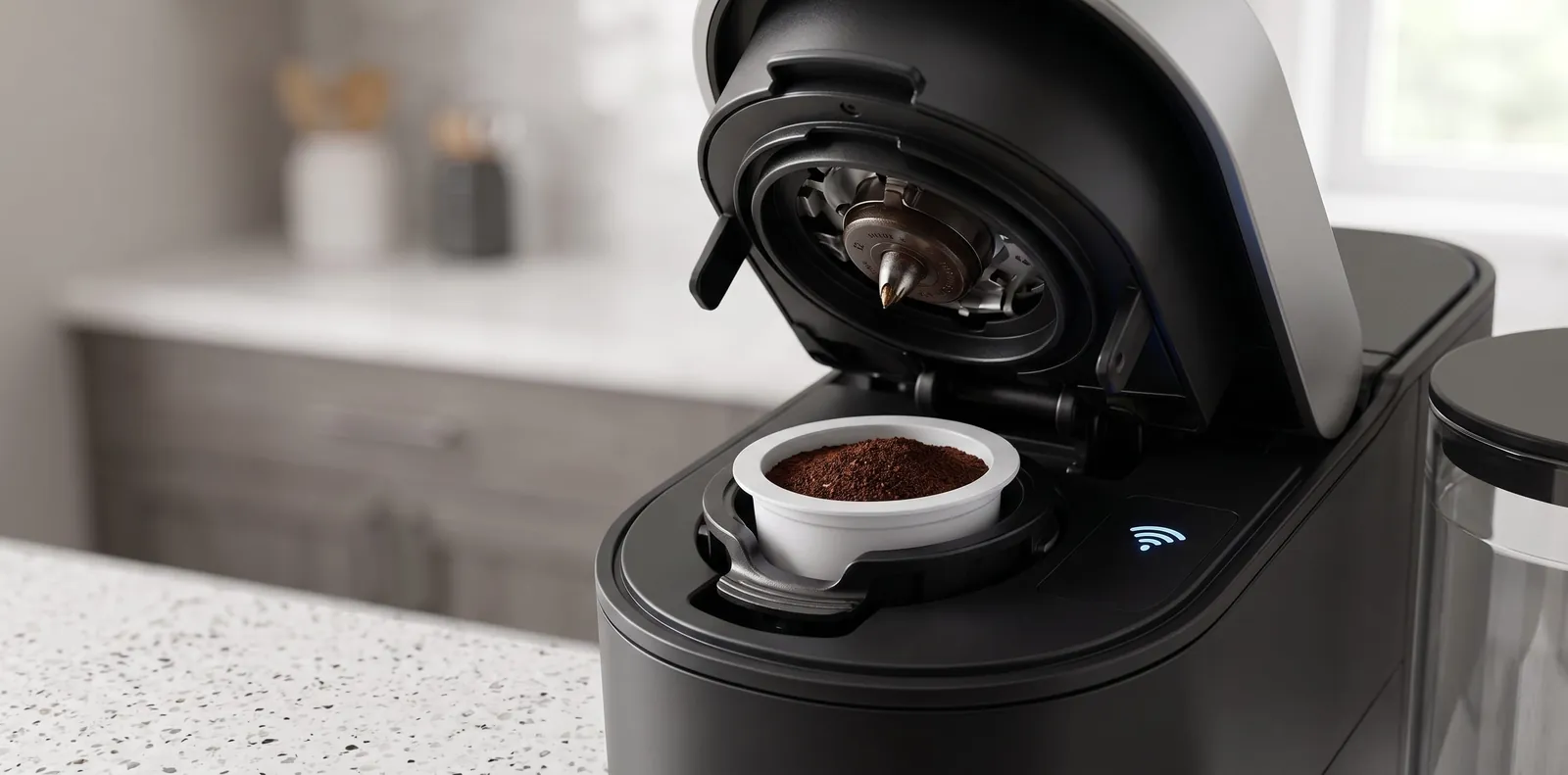
Durability, upkeep and running costs once the novelty wears off.
Plastic housing is functional though not premium.
As with most pod machines, the heating element and pump are the parts most likely to wear, and regular descaling helps them last.
Common maintenance points: heating element and pump, and the water reservoir (can crack if dropped).
The Wi-Fi features depend on a stable home network; manual brewing still works without it.
Keurig sells replacement parts such as water reservoirs for many current models.
Pod insertion mechanisms are simple and rarely the weak point.
Annual: $20-30 for descaling and filter replacement.
5-year total: roughly $100-150 in maintenance. Recurring pod costs dwarf maintenance ($10-25/week depending on choice).
1-year limited warranty covering manufacturing defects, electrical components, heating elements.
Excludes normal wear and user damage.
Pod machines generally resell for a fraction of their original price, and the Wi-Fi feature adds little resale premium.
No affiliation with Keurig. This review is based on Keurig's published specifications and our editorial assessment of the design.
Quick specs
How it scored
Our rating, who it fits, and what it costs.
Keurig K-Supreme Plus SMARTRecommended
4.1 / 5 — Is it worth buying?
The Smart Brewer's case rests on convenience: Wi-Fi scheduling, app control and fast brewing. But convenience and brew quality remain at odds in single-serve systems — excellence isn't achievable in a sub-minute pod extraction.
Best for
Skip if
Score breakdown
Ready to decide?
Our verdict: 4.1/5, recommended. Independent reviews; commissions never change a rating.
Extraction is close to a basic Keurig such as the K-Express, so most of the extra money buys convenience. The app scheduling, five sizes, temperature settings and over-ice setting are genuinely useful in a household with different preferences. If coffee quality is the main goal, put the same budget into the OXO Brew 9-Cup and you get a clearly better-extracted cup.
See how the Keurig K-Supreme Plus SMART compares with the other picks in each roundup.
Closest alternatives in price and purpose, each reviewed the same way.
Keurig
A capable single-serve pod machine with five brew sizes and a dedicated iced-coffee mode, though pod extraction has limits.
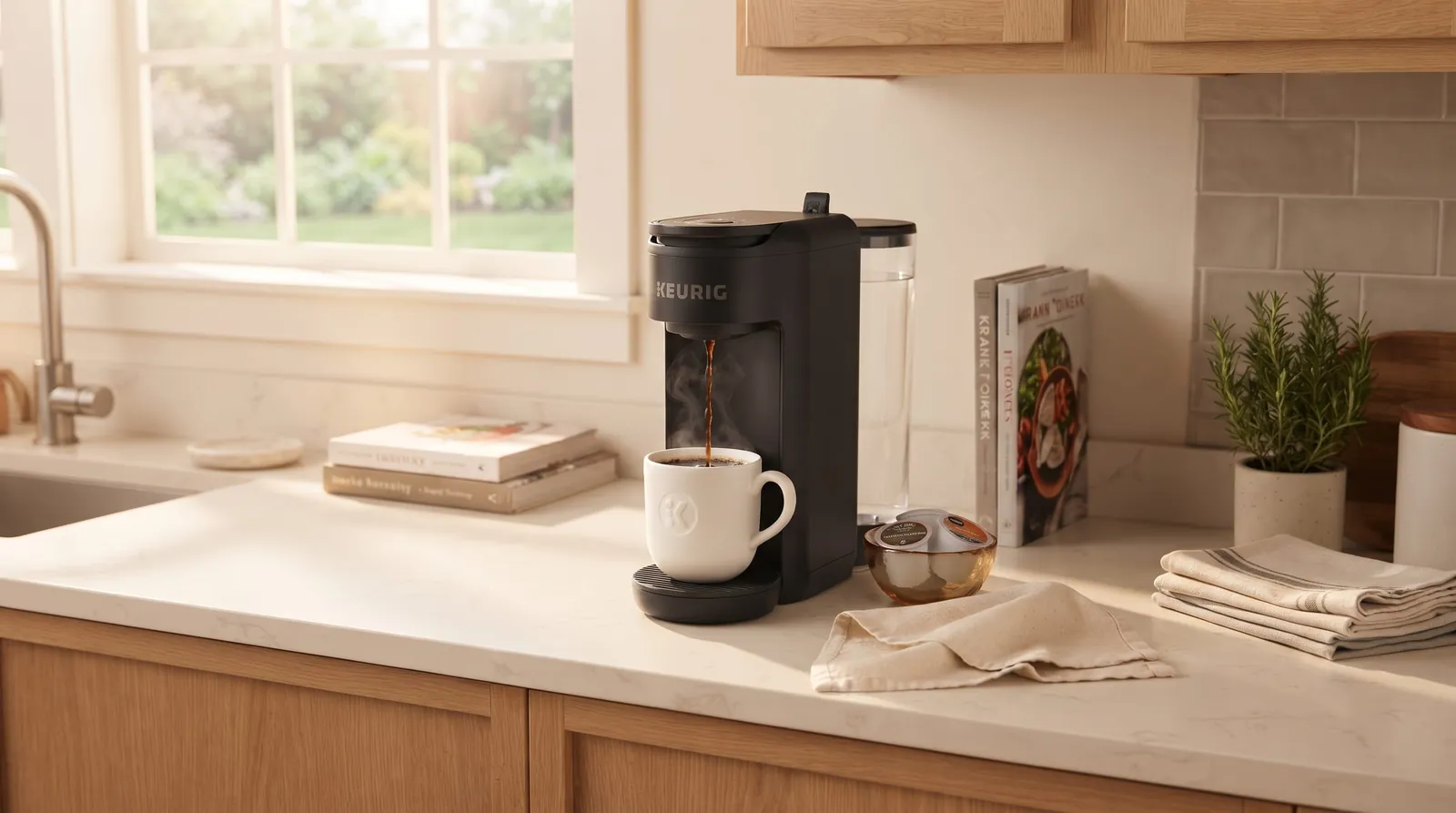
Keurig
A compact single-serve pod machine built for solo drinkers and small spaces who prioritize speed and zero cleanup over brew quality.
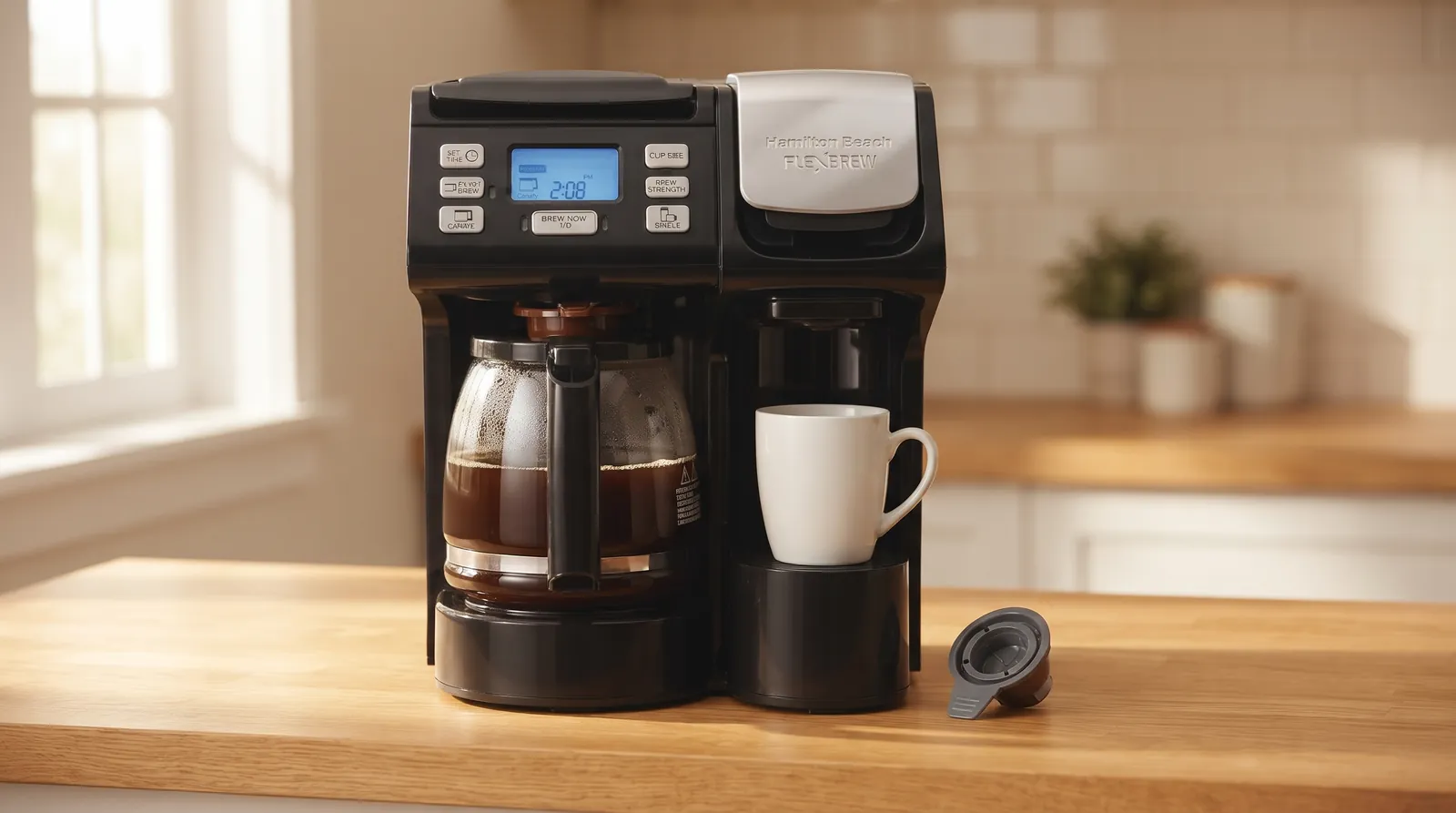
Hamilton Beach
Pods, single cups of grounds or a 12-cup pot from one machine, with a cooler-than-ideal cup.
Put it into practice with a free calculator built for what you just read.
Quick answers before you buy.
Yes, if Wi-Fi scheduling and drink-size flexibility matter, because that is what the extra money buys.
If good coffee is the priority, no — a basic Keurig such as the K-Express brews the same pods for less, or the same budget spent on an OXO Brew delivers noticeably better cup quality.
The premium here buys convenience and automation, not coffee improvement.
Buy the K-Elite if you want a strong-brew mode and a 75 oz reservoir without paying for Wi-Fi; buy the Smart Brewer only if app scheduling is the feature you will actually use. Both brew the same K-Cups, so cup quality is close, and the K-Elite's strong mode gives it a slight edge on body.
Our Keurig K-Elite review covers it in full. Compared with a basic K-Express, the K-Supreme Plus SMART adds connectivity, temperature and strength control and a larger 78 oz reservoir rather than clearly better coffee.
Yes. It connects to the Keurig app, so you can schedule and start brews from your phone.
The catch: A K-Cup still has to be loaded the night before — the app automates the brewing start time, not pod insertion. For true wake-up-to-coffee convenience with zero prep, an automatic bean-to-cup machine like the De'Longhi TrueBrew is the better fit.
It depends on which pods: generic pods ($0.30-0.40 each) run roughly $10/week for four daily brews, Starbucks or Dunkin' ($0.50-0.70) run about $15/week, and premium roaster pods ($0.80-1.20) run around $25/week — at that price, the per-brew cost advantage over a thermal carafe largely disappears.
Yes, it brews from the on-brewer controls without a connection; Wi-Fi is needed only for app scheduling.
Check Keurig's manual for any first-time setup steps that use the app.
Lifespan depends on water hardness and how regularly you descale; heating elements and pumps are the usual wear points on pod machines.
The warranty is 1 year, so see the K-Elite review for a simpler alternative.
More often with hard water and less often with soft water, or whenever the descale alert appears.
Follow Keurig's manual for the descaling solution and interval.
Our descaling guide covers the general steps.
Standard K-Cups from any brand work; reusable filters are a check-the-manual item. Pod insertion worked across 15+ brands with no jams.
Pods vary widely in quality: premium roaster pods tasted cleaner than grocery-store generics. Check Keurig's manual before using third-party reusable filters.
Reader questions
Questions or tips? Leave a comment
Ask about your setup or share what worked for you. Comments are checked before they appear.
Write a comment or question